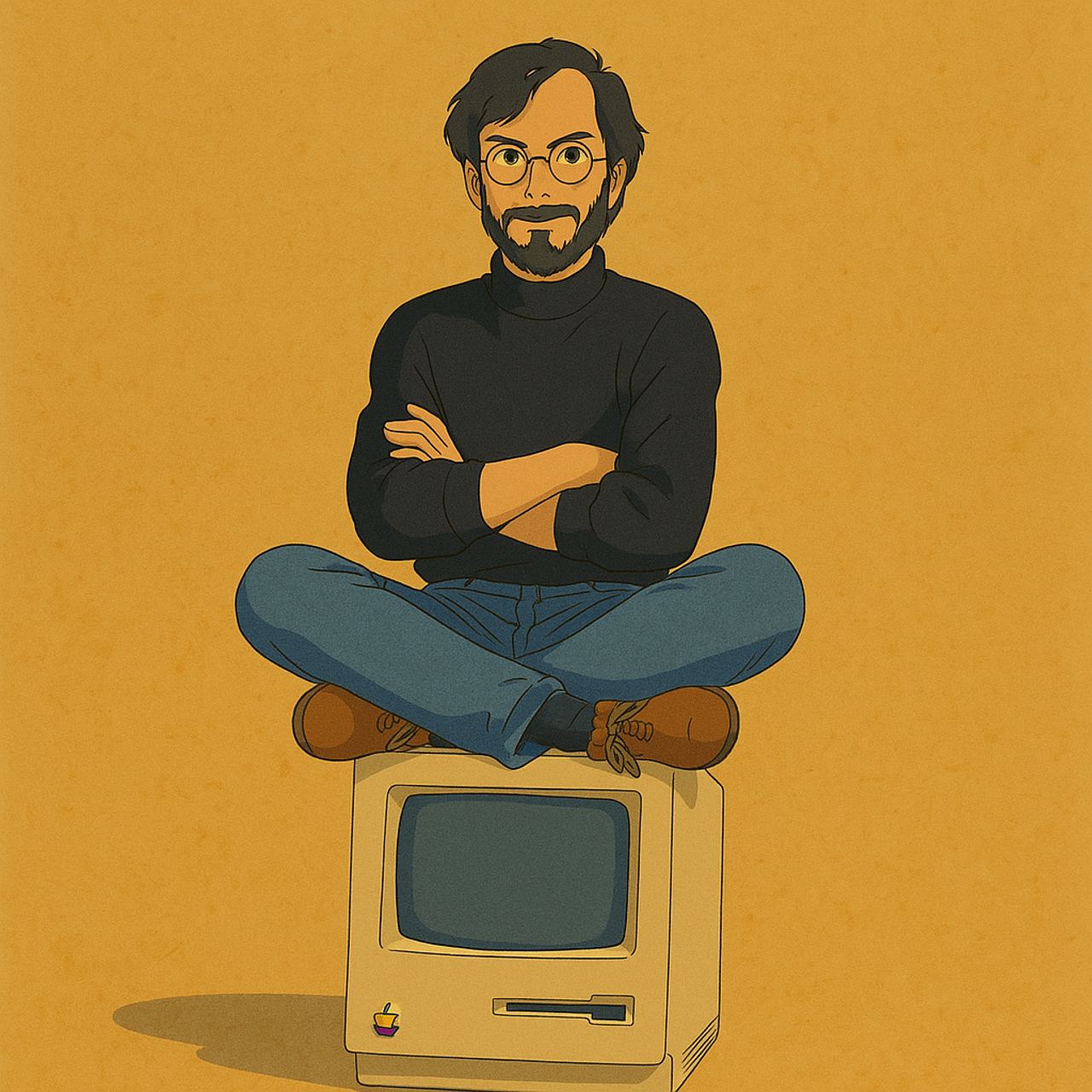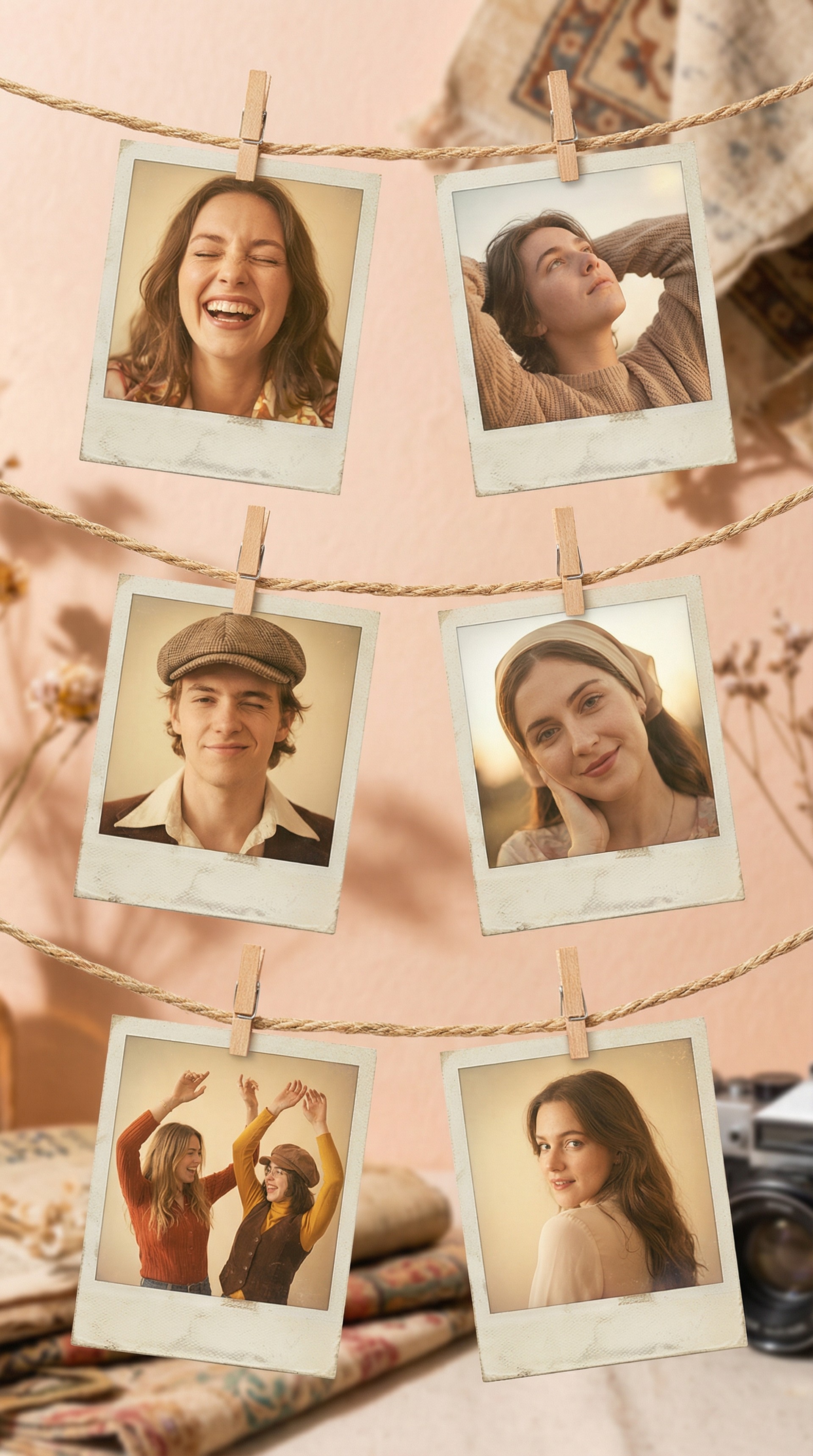
Vintage polaroid collage gallery artwork

Professional AI Image & Video Studio

Transform product photos, ideas, and scripts into high-quality images, video ads, and branded content — all in one creative workspace.

Explore studio capabilities

01

From upload to finished visual.

Choose a mode, add a source image, and get a result that already feels ready to use.

Product workflow

Turn raw product photos into launch-ready creative.

Open workflow

Explore the Filtrix studio

One image and video workspace for brands, e-commerce businesses, professional creators and AI agents. Explore the tools through work made with Filtrix.

Blue portable speaker with orange trim on a plain backgroundSource photo
The same portable speaker staged beside a poolLifestyle image
A portable speaker moves from the studio to a poolside setting.

AI Product Photography

For e-commerce sellers and brand teams

Turn a reference photo into studio shots, lifestyle scenes and detail images for a product listing.

Workflow details for AI Product Photography
Input
One clear product photo. Include the entire item and any packaging you want to preserve.
Example output
The poolside image is a 1400 × 933 WebP.
Check before publishing
Compare the logo, buttons, trim and proportions against the original.
A captioned, presenter-led ad from the UGC studio gallery.

AI Video Ads & UGC

For paid social teams, agencies and merchants

Build a presenter-led ad from a product brief, or turn a product photo into a short video for a campaign.

Workflow details for AI Video Ads & UGC
Starting material
A product brief or script for a creator-style ad, or a product photo for the photo-to-video workflow.
Example output
This vertical MP4 is 720 × 1280 and runs for 12.1 seconds.
Check before publishing
Review the spoken claims, product appearance and caption timing.
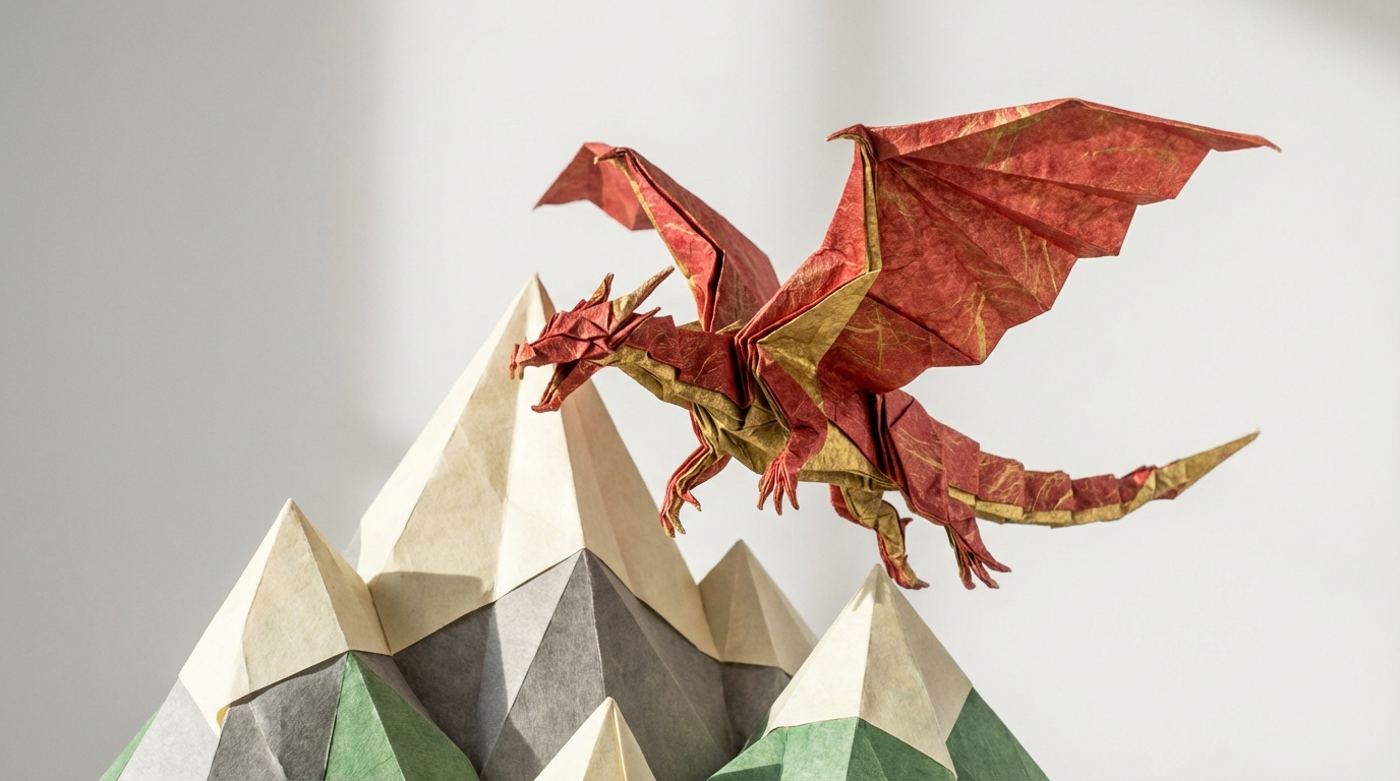
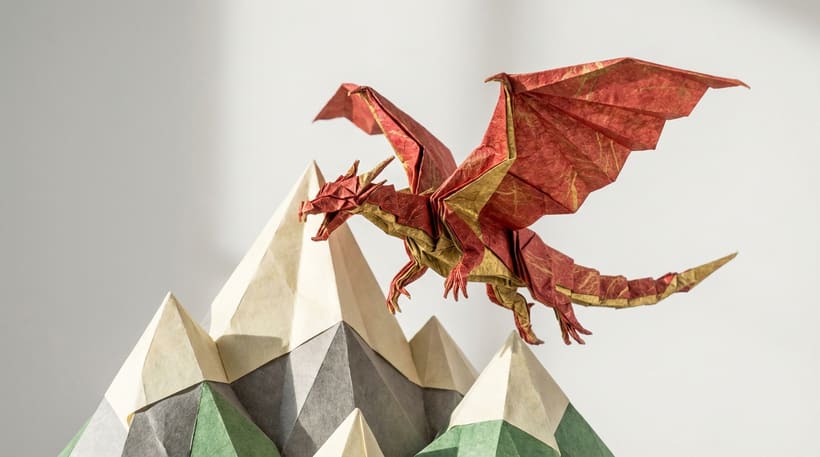
A folded paper dragon flying over geometric paper mountains
A text prompt becomes a paper dragon flying over folded mountains.

AI Image & Video Generation

For designers, creative teams and filmmakers

Generate stills from a brief, animate a reference frame or direct a video from a script. Choose a model for the task.

Workflow details for AI Image & Video Generation
Example model
The origami gallery entry credits Gemini 3 Pro Image Preview and includes its original prompt.
Image and video tools
Explore GPT Image for generation and editing, or Seedance for video from text or a reference frame.
Credits
In Custom Mode, the default 1K Nano Banana 2 image is listed at 10 credits. Check the selected model and settings before generating.
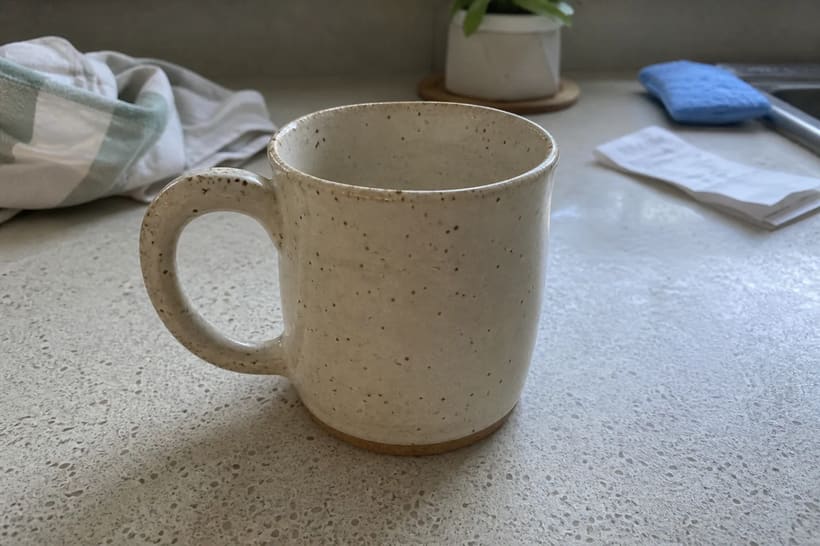
A handmade mug on a cluttered kitchen counterOriginal
The ceramic mug in a terracotta studio settingEdited
A seller’s kitchen photo becomes a warm studio shot of the same mug.

AI Image Editing

For photographers, designers and store owners

Describe what to change in an existing photo. Clean up a background, adjust the lighting or reframe a shot.

Workflow details for AI Image Editing
Input
A source photo and an instruction describing the changes.
Example output
The edited mug image is a 1440 × 960 WebP. Inspect the handle shape and speckled glaze at full size.
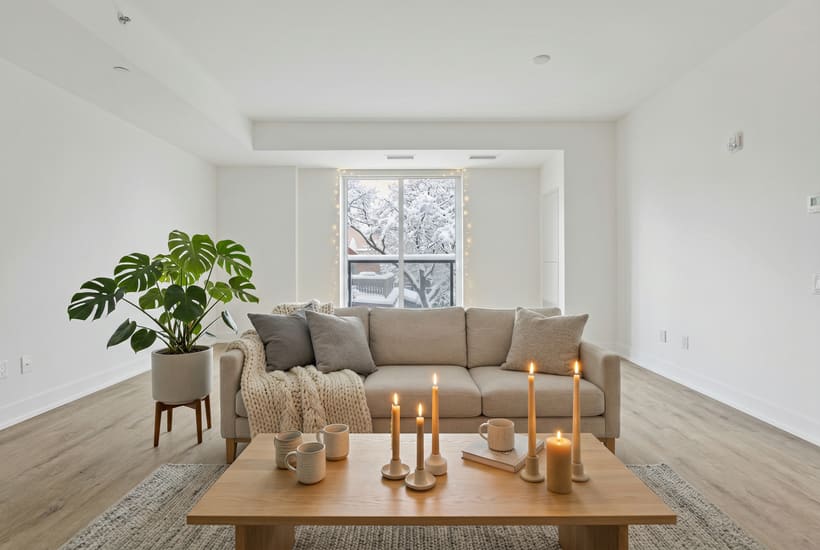
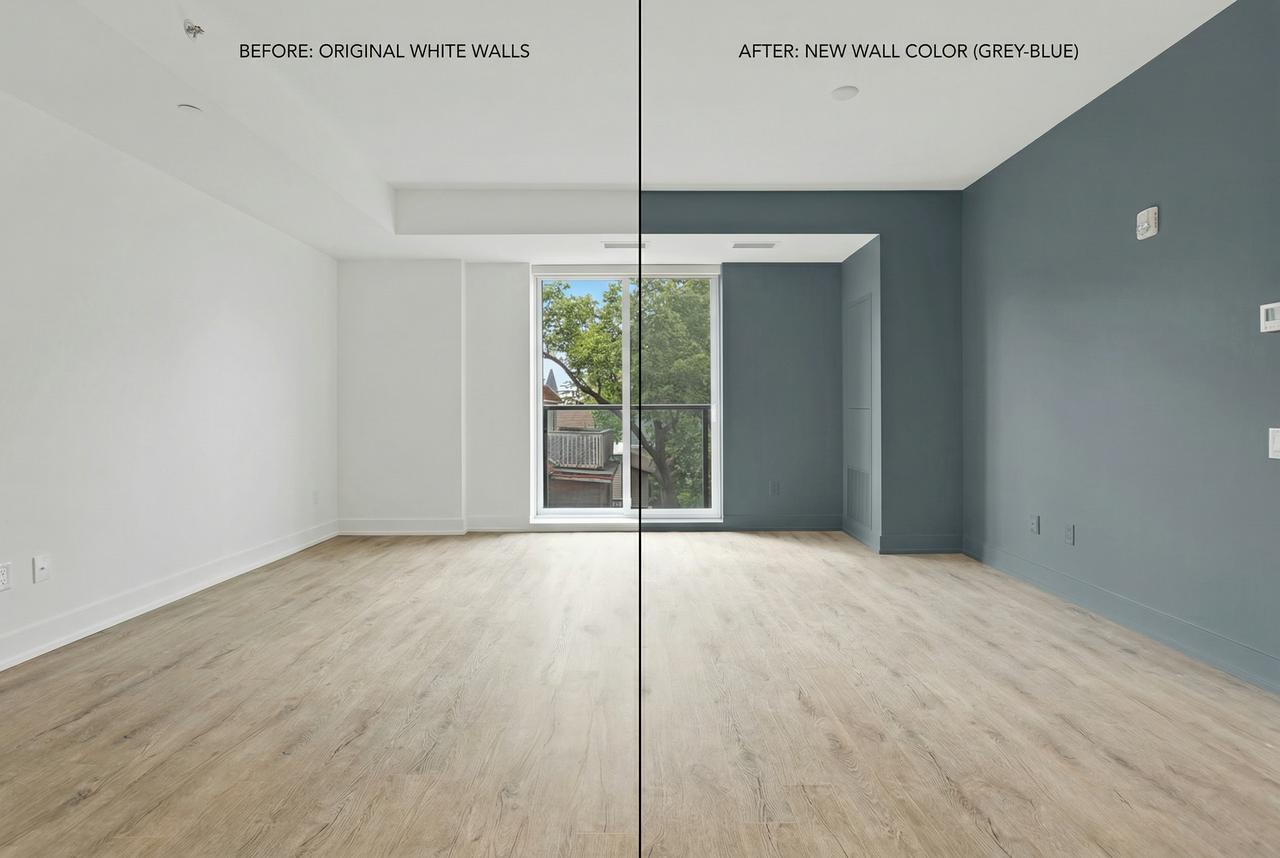
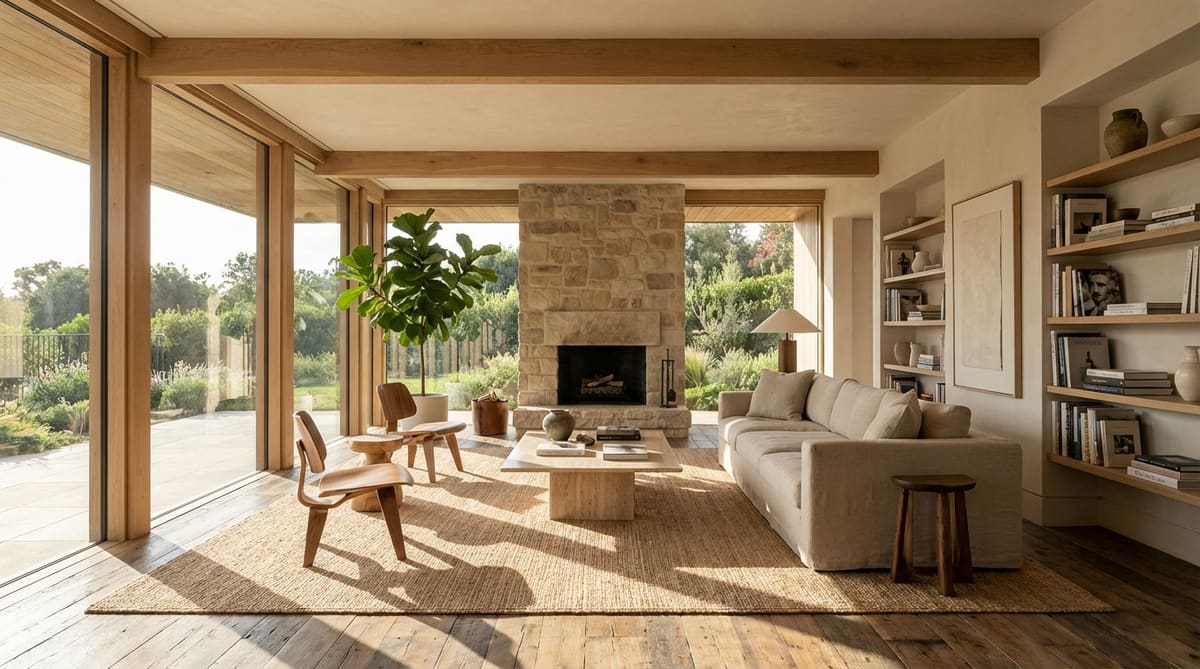
Living room redesign example from the Filtrix interior design gallery
A living room reimagined with a minimalist palette and furnishings.

AI Home Design

For homeowners, interior designers and property teams

Use a room photo to explore furnishings, colors and layouts before choosing a design direction.

Workflow details for AI Home Design
Input
A room photograph and the style or changes you want to explore.
Use the result
Compare visual directions with a client. Verify measurements, materials and fit separately before ordering.
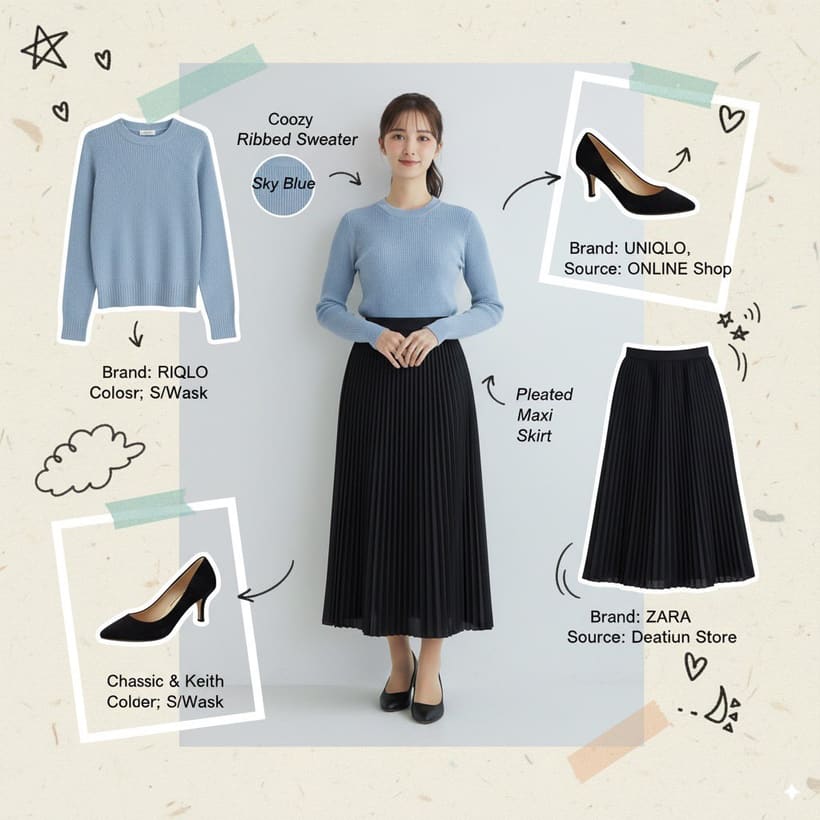
Virtual try-on gallery showing clothing options on a model
Several garments shown on the same model in the virtual try-on gallery.

AI Fashion & Virtual Try-On

For apparel sellers, stylists and fashion brands

Pair a model reference with garment photos to preview outfit combinations and plan a catalog shoot.

Workflow details for AI Fashion & Virtual Try-On
Input
A clear reference showing the person and images of the clothing to try.
Check before publishing
Inspect prints, seams and fabric drape. Physical sizing and fit require garment measurements.
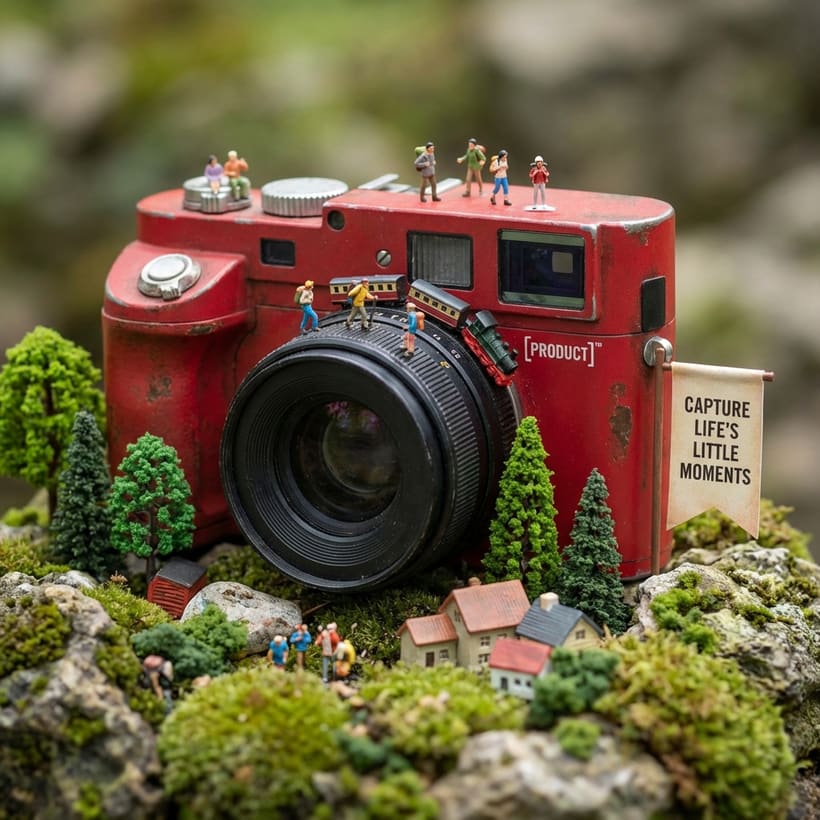
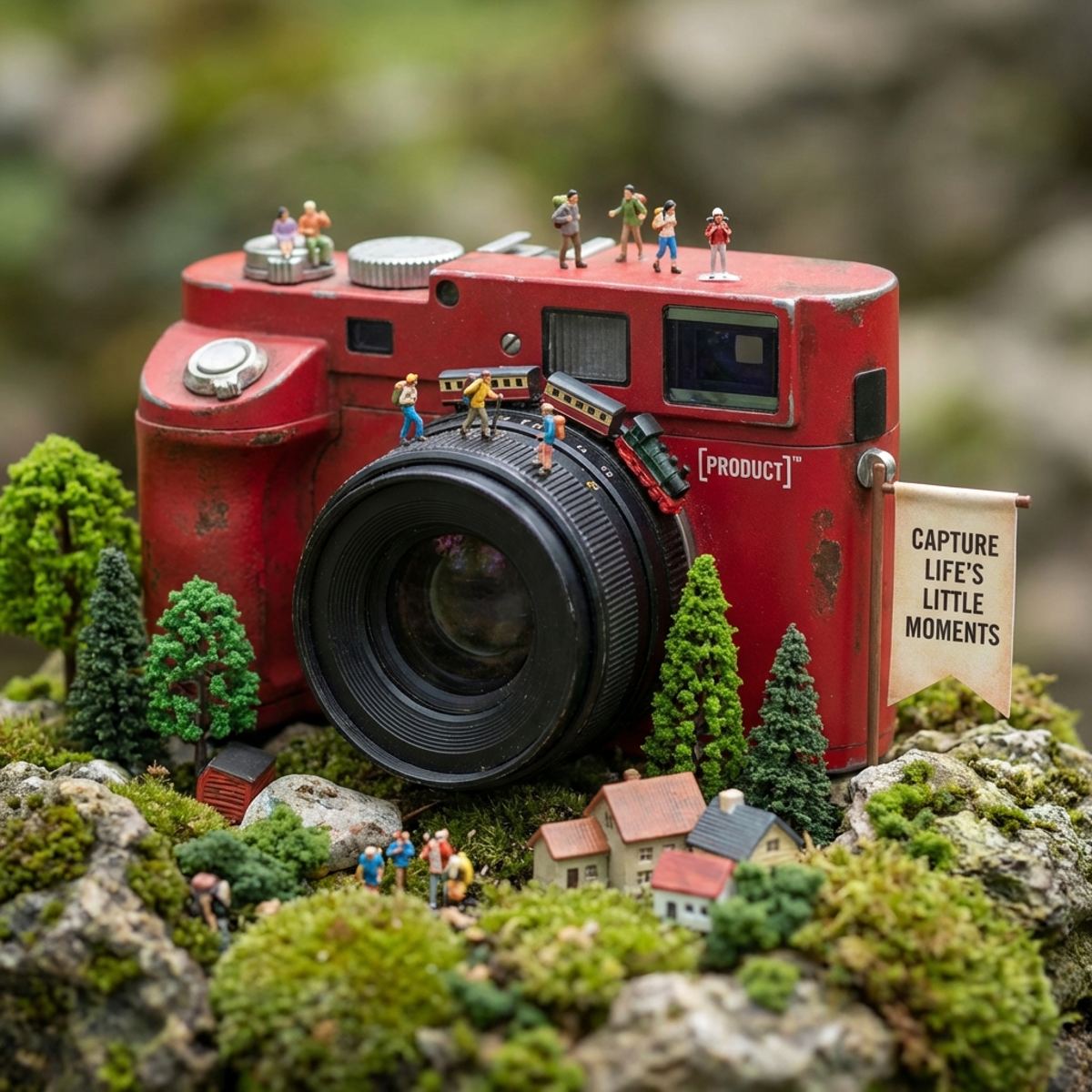
A red camera towers over a miniature village and tiny figures
A visual brief to try via MCP. The camera image and its prompt come from the Filtrix library.

Filtrix for AI Agents

For developers and marketing automation teams

Connect an MCP client to generate campaign images, edit references or queue video jobs inside an existing workflow.

Workflow details for Filtrix for AI Agents
Image workflow
Pass a prompt and a unique idempotency key to generate_image_text. The tool returns the image URL and credits used.
Video workflow
Store the request ID from generate_video_image, then call get_video_status for that job until the output is ready.

03

A wider creative range, without a wider workflow.

One studio, many output languages.

Browse the library
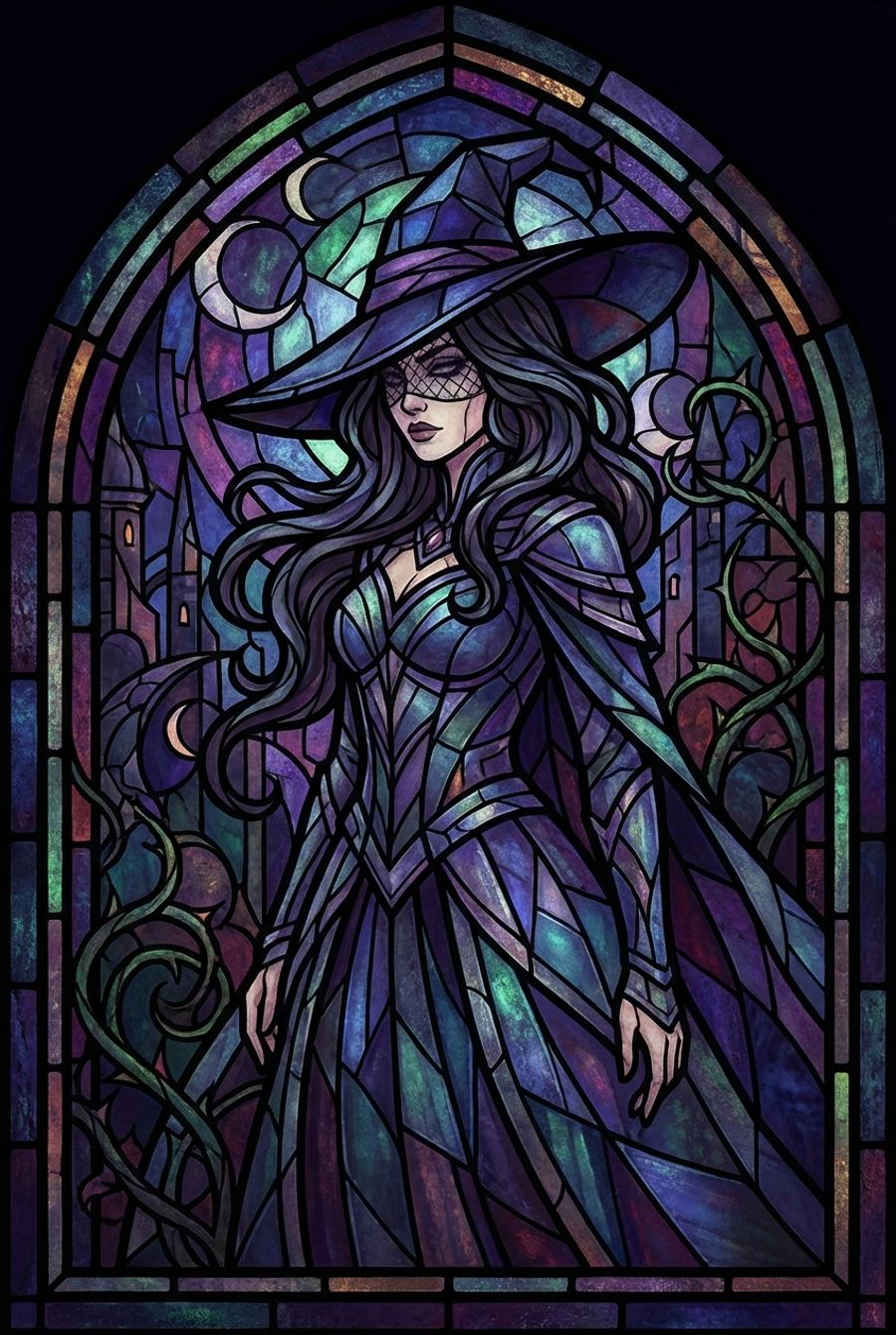
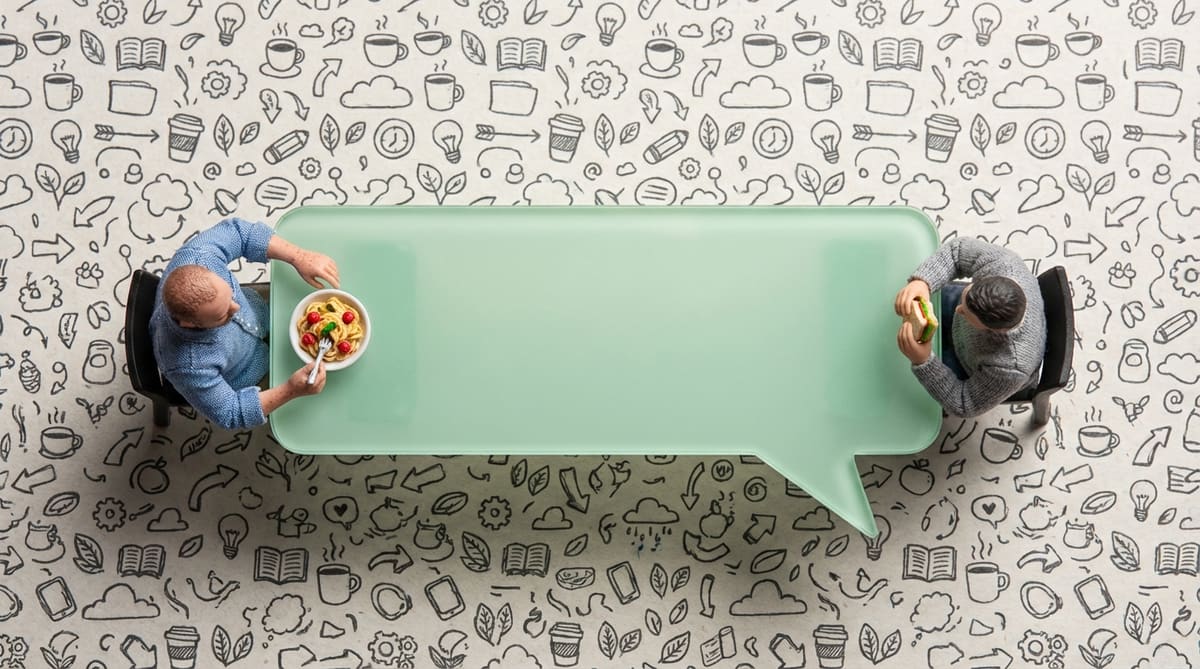
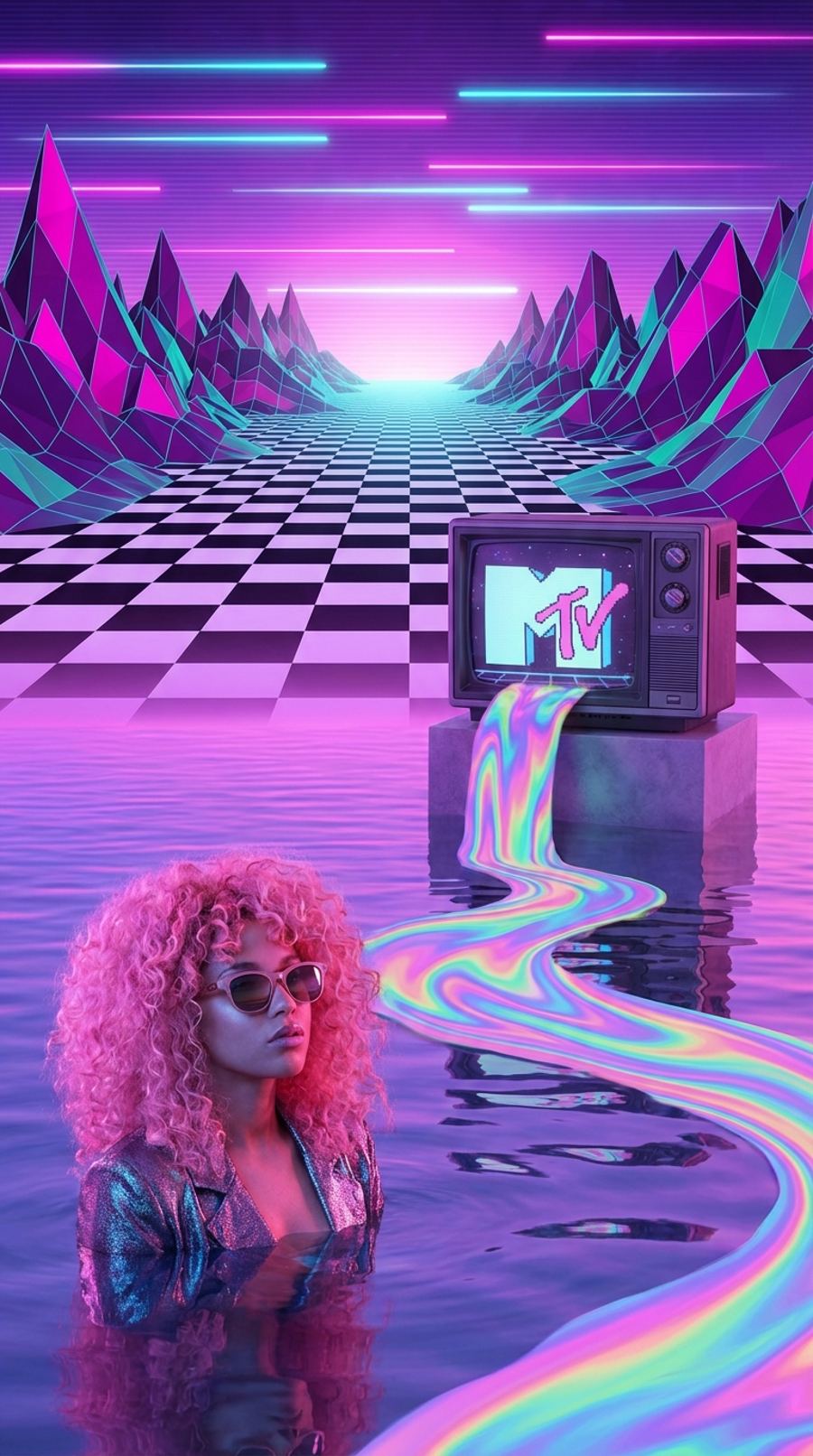
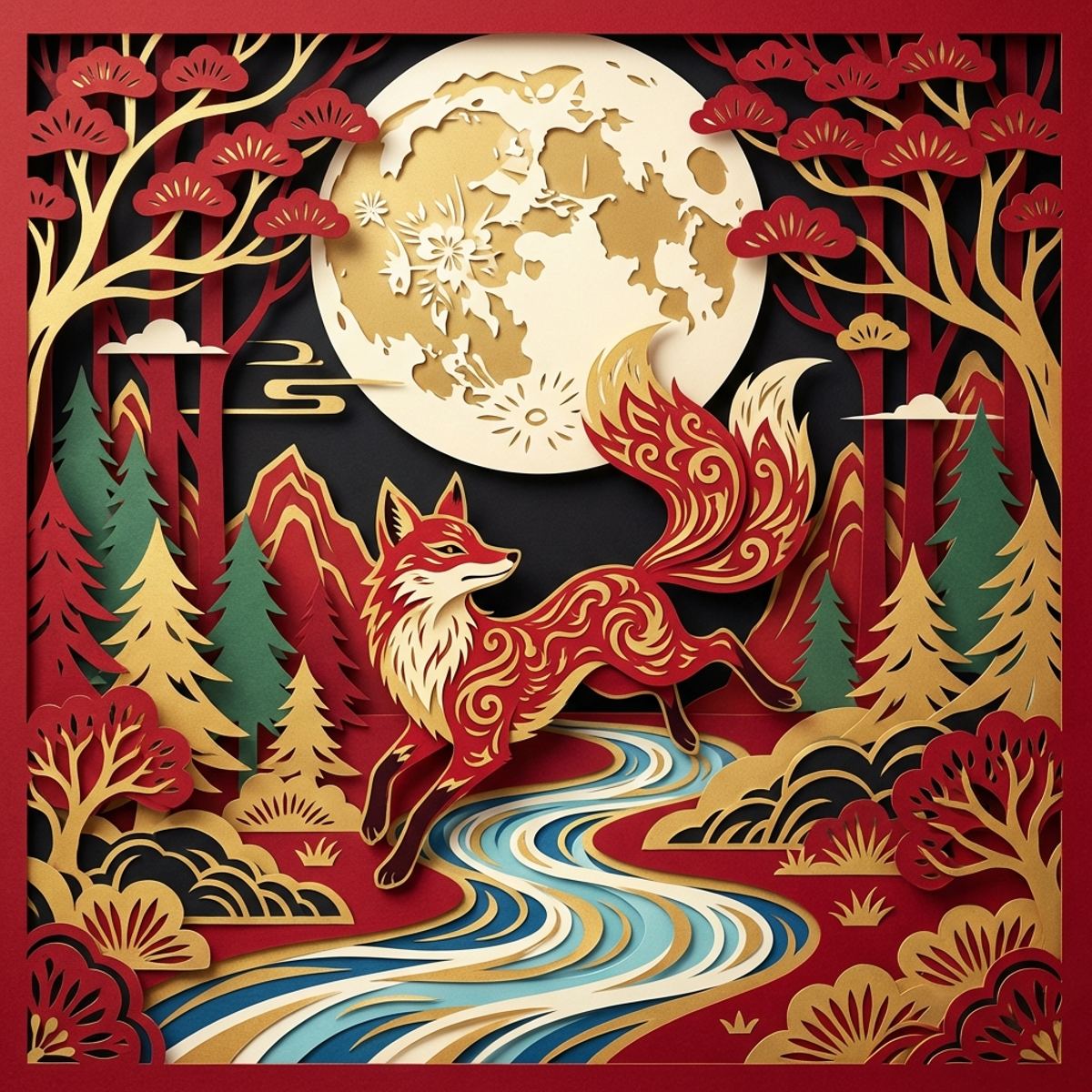
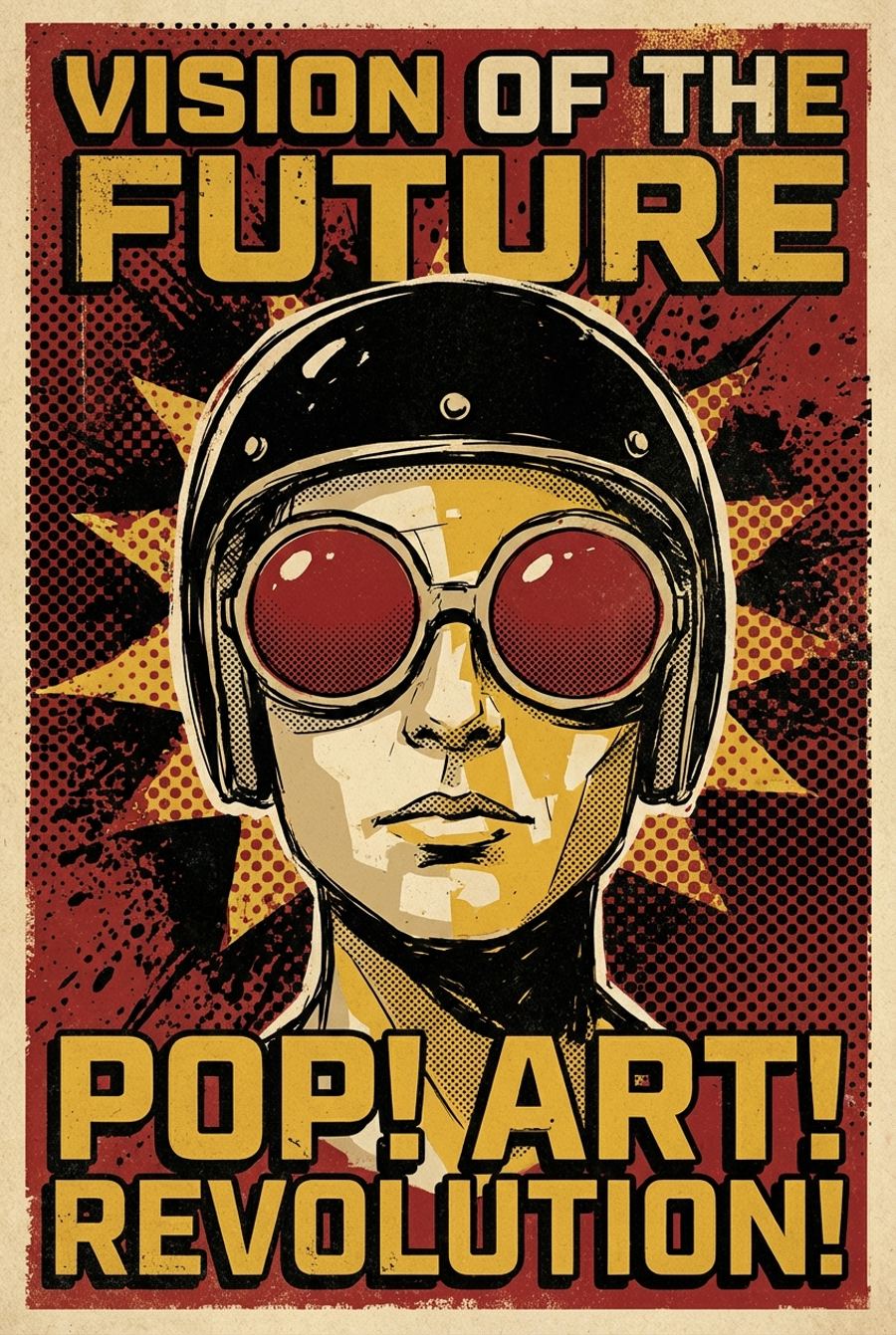
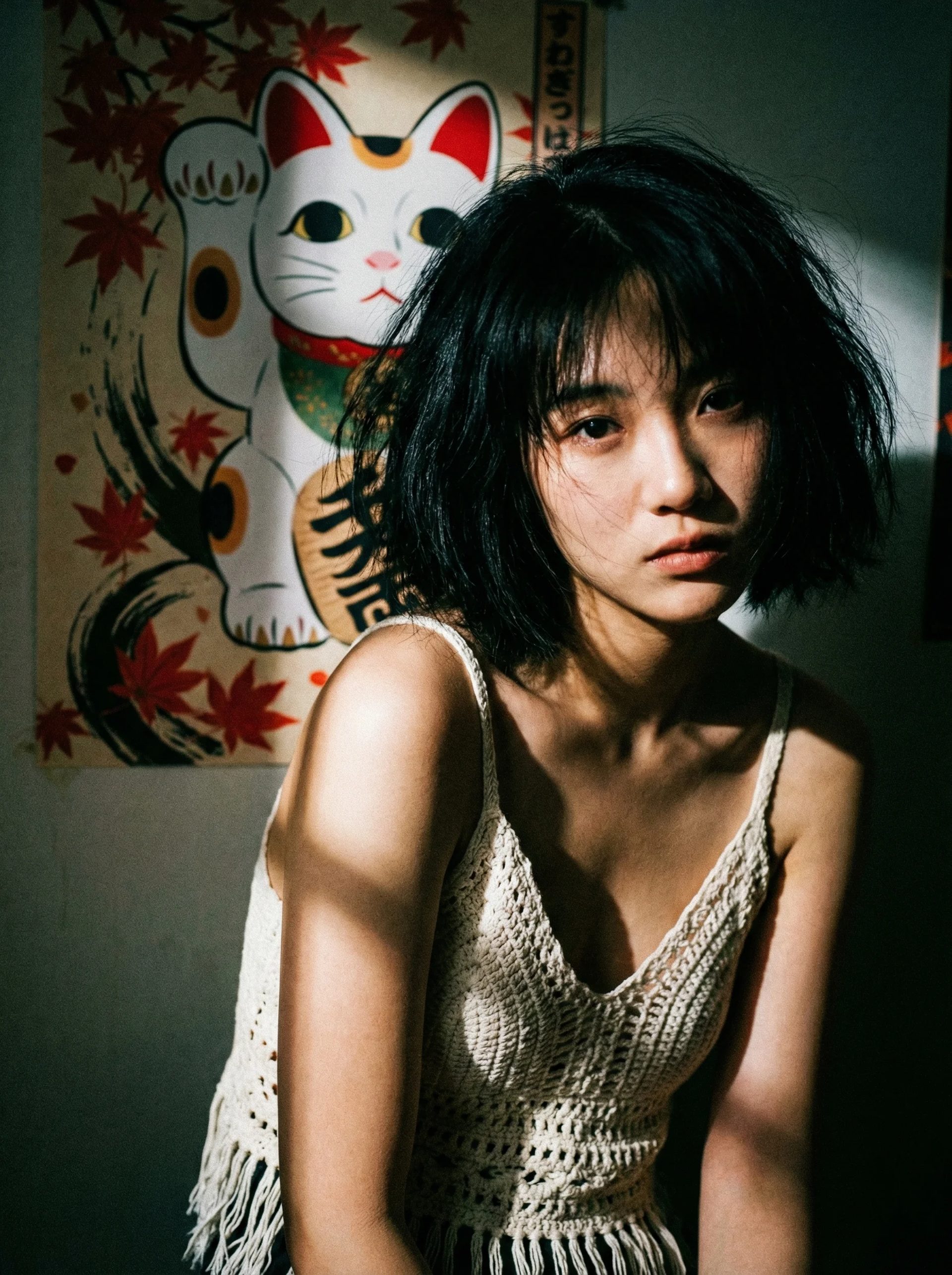
Origami dragon over geometric mountainsStained glass portraitTiny humans around a speech bubble tablePhotorealistic modern living roomMiniature world product photographyRetro synthwave portraitChinese paper cut fox forest artworkCandid kitchen lifestyle photoTransparent tech portraitRetro pop art poster

04

Questions before you create?

Filtrix AI is an all-in-one image and video studio for brands, e-commerce businesses, professional creators, and AI agents. Generate with multiple models, edit existing photos, and turn a finished image or script into a video.

Choose Create Image or Create Video, sign in to the workspace, then start with a prompt or a reference photo. Choose the model and settings for the output you need.

JPG, PNG and WebP are supported in image workflows such as the Seedance 2.5 image-to-video tool. Use a sharp reference and check the selected tool for its input requirements.

Processing time varies with the model, resolution and queue. Image and video jobs have different runtimes. For video automation, save the task ID and check its status before submitting another request.

In Custom Mode, the default Nano Banana 2 image at 1K is listed at 10 credits. Changing the model or resolution can change the amount. Check the cost for your selected settings, and see plans and monthly credits for your allowance.

Use a well-lit reference and compare the result at full size. Inspect small text, colors, fasteners and proportions before using an image in a listing or ad. The speaker listing set shows the same product across several compositions.

Use source material you own or have permission to use. Check recognizable people, brands and product claims in the final asset. The Filtrix Terms of Service cover content rights and applicable third-party terms.

Filtrix uses service providers to operate its tools. The Privacy Policy describes data sharing, retention and deletion requests. For confidential client work, confirm the handling requirements with Filtrix before uploading.

Yes. Connect a compatible client to Filtrix MCP to generate images from prompts, edit references or start video tasks. For asynchronous video, keep the request ID and poll for completion before downloading the result.
Filtrix branded creative background
Filtrix

Start with an image.Leave with something publishable.

Create product shots, branded visuals, motion content, and room concepts from the same workflow.

Filtrix AI – AI Image & Video Generator for Brands and Creators